Lightning Fast Results
Sub-3-second confidence scoring, including on cellular connections.
A second look before you share
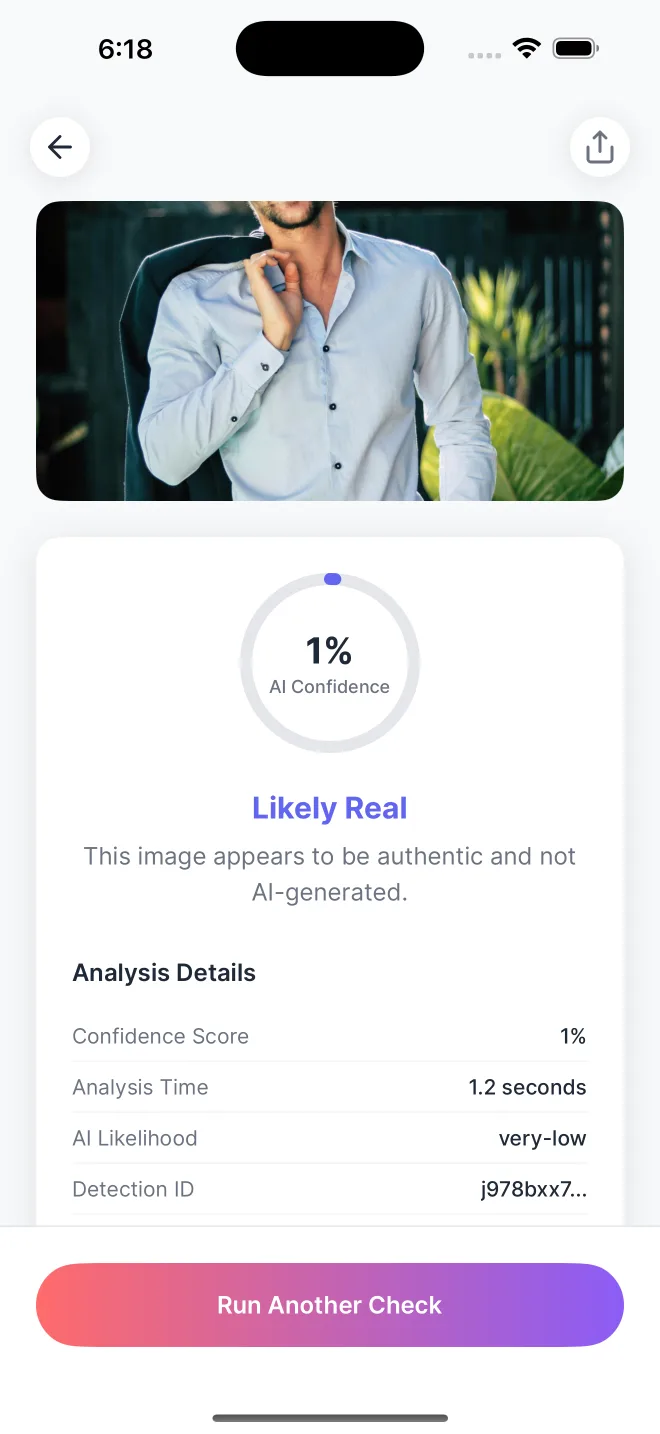
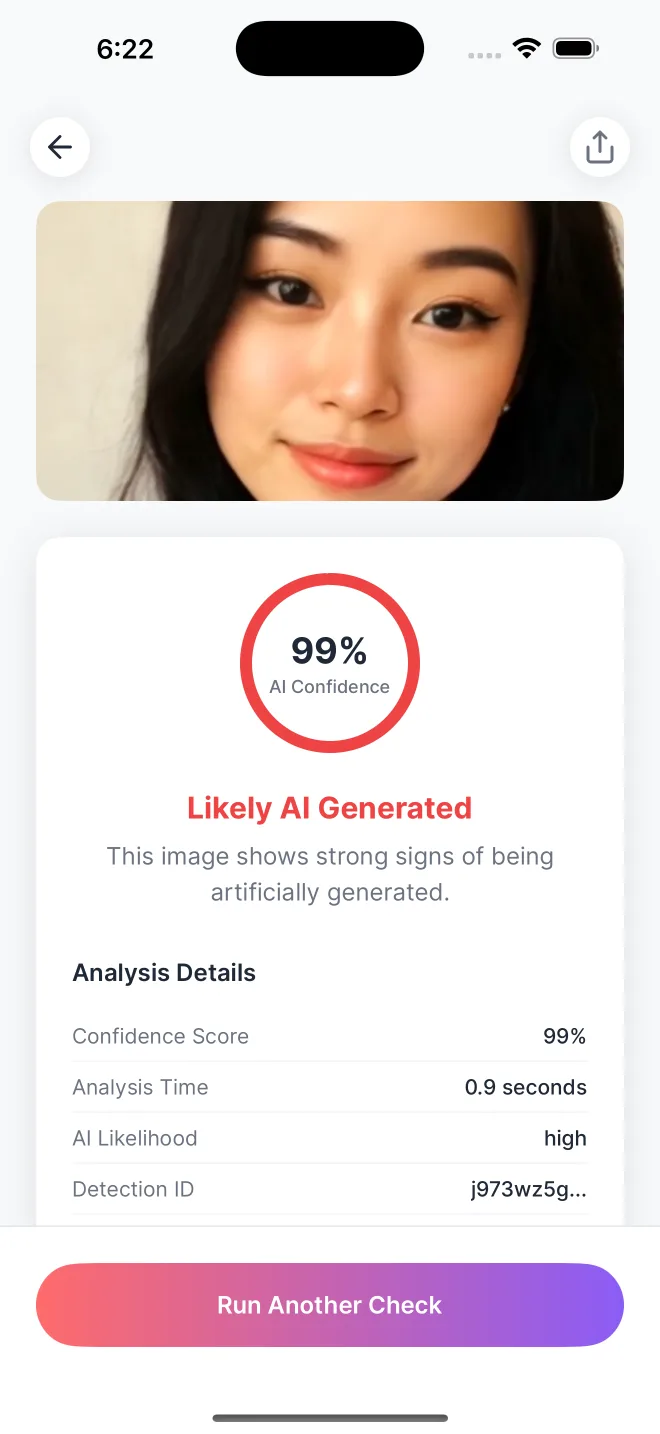
Check if a photo was created by artificial intelligence. Upload from Photos, Files, or camera and get a color-coded AI image authenticity score in under 3 seconds.
No account needed. Your image is never stored.
Or get the app for iPhone and Android


Scan with your phone camera to download
Start with a closer look
Test your eye, then check an image of your own.

Five viral images a day
Spot the AI fakes that fooled the internet, get the story behind each one, and share your score.
Play the image quizCheck a photo in your browser. No account needed, and your image is never stored.
Check an image freeChecking a video? Try the free AI video checker
From photo to perspective
Built for fast AI photo detection, deepfake image review, and everyday image verification on iPhone and Android
Sub-3-second confidence scoring, including on cellular connections.
Import from Photos, Files or camera with one-tap detailed authenticity reports.
Clear confidence scoring for privacy-conscious image authenticity checks.
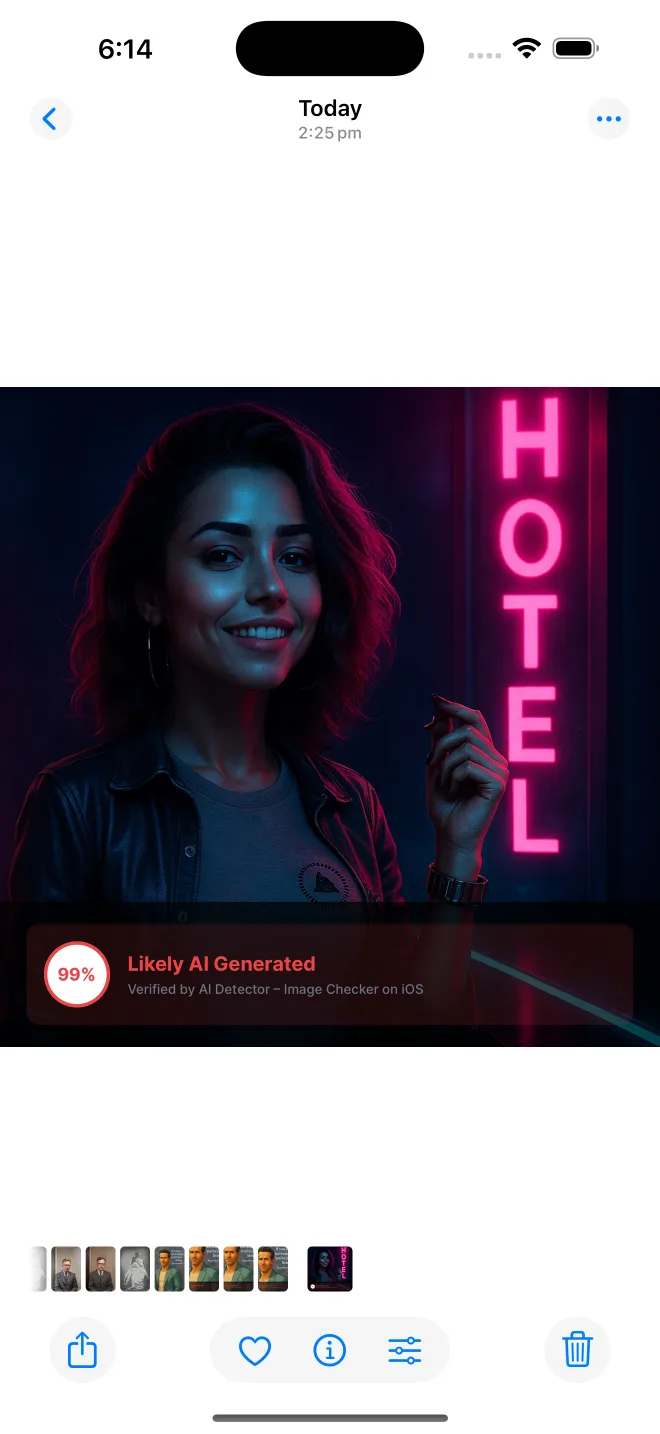
View your recent checks in a scrollable timeline with easy management.
A quick first check for teachers, journalists, creators, and social media users.
Built to keep pace as AI image generators and detection methods evolve.
Context matters
Confidence score
Detection time
AI Detector is a mobile app for checking whether an image may have been generated by artificial intelligence. It gives you a clear confidence score so you can make a faster call before sharing, publishing, grading, or trusting a photo.
Check AI-generated photos, synthetic portraits, deepfake-style images, and suspicious social media posts in one place.
The workflow is built for mobile: import a photo, review the score, and keep recent checks organized in history.
Run a quick AI image check on screenshots, portraits, social posts, product shots, and downloaded photos.
Use the confidence score as a signal when reviewing suspicious faces, synthetic portraits, or manipulated image claims.
Give teachers, journalists, creators, and everyday mobile users a faster way to review image authenticity.
Build your eye for detail
Practical checks for suspicious images, detector scores, and mobile workflows.
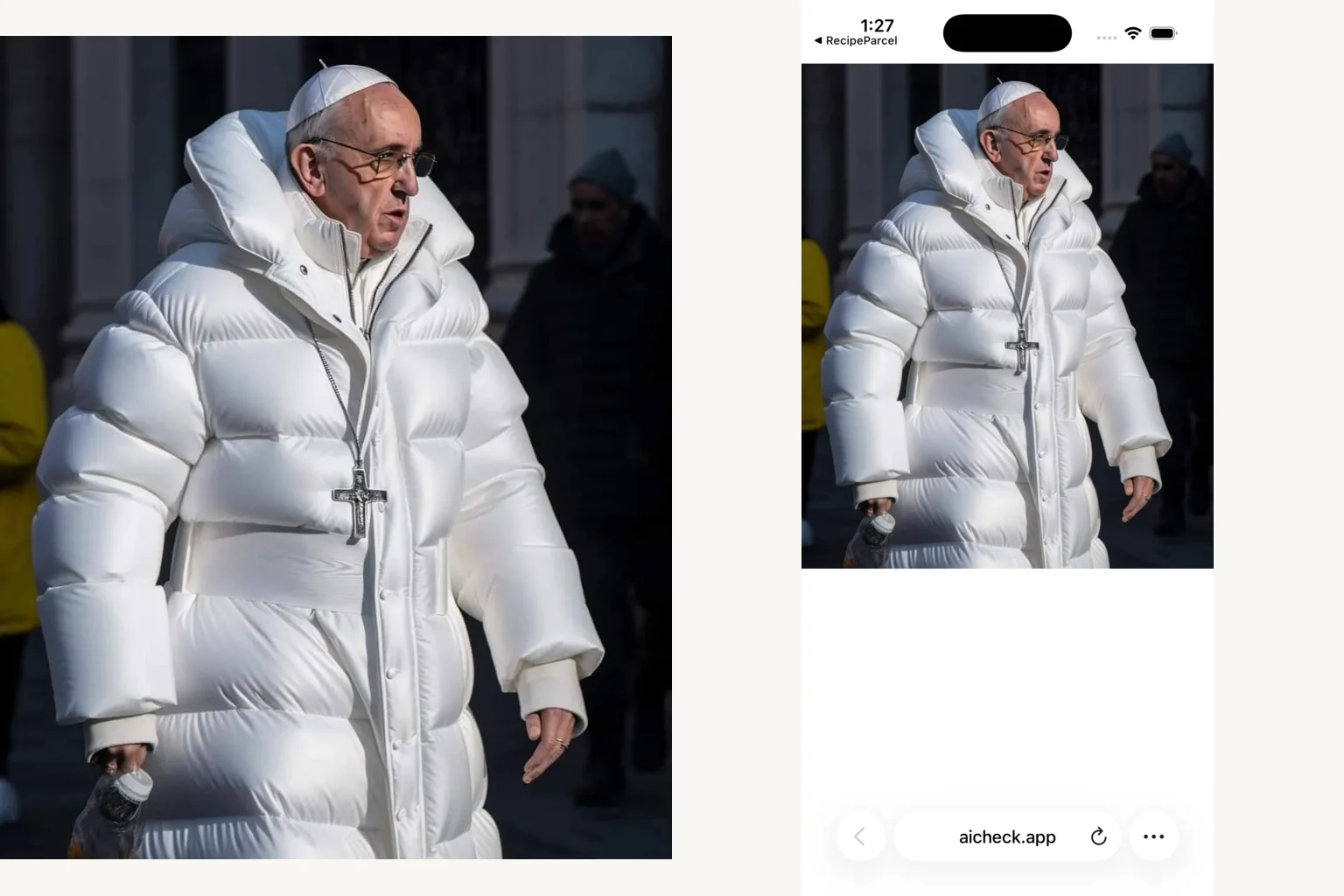
We checked three known-origin images as baseline files, compressed JPEGs, and iPhone screenshots. Compare both detectors and download the tested files.
Read guide
Inspect hands and text, verify lighting, check Content Credentials, run a reverse image search, and use a detector as a second opinion.
Read guide
Watch for objects that change between frames, floaty physics, and mismatched audio, check for watermarks, trace the first upload, then run a free detector.
Read guide
Learn how AI image detectors analyze photos, what confidence scores mean, and how to check an image on your phone or in your browser.
Read guide
Check a photo on iPhone with visual inspection, a free browser tool, or the AI Detector app, with steps for each method.
Read guide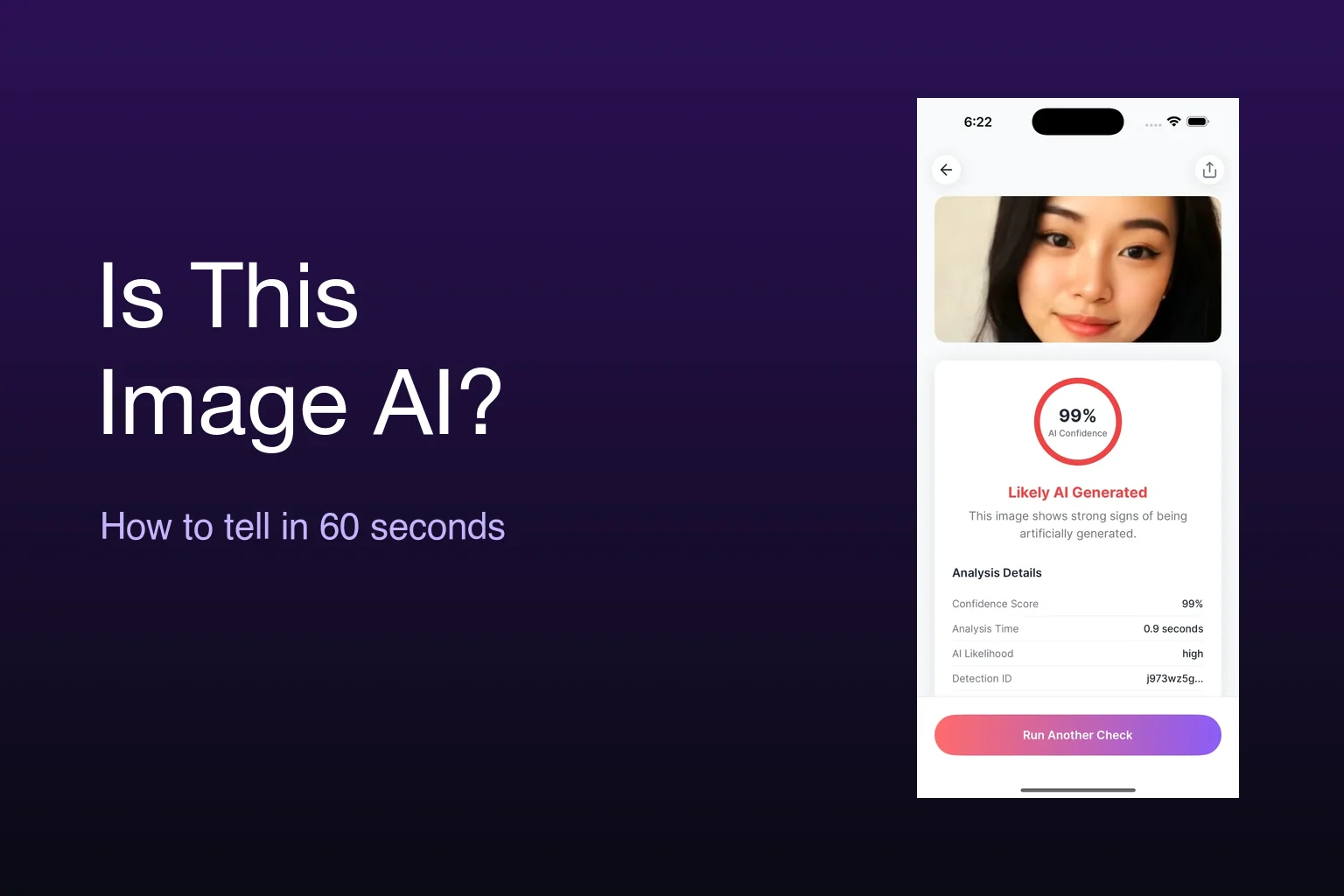
Run a fast visual check, look for Content Credentials, and use a free AI image checker to decide whether a photo is real or AI-generated.
Read guideGood questions. Clear answers.
Upload a photo to AI Detector or the free web checker. The image is analyzed for patterns associated with AI generation, and you receive a clear confidence score.
See the seven-step image checkAI image detectors analyze patterns in pixels, textures, and image structure. AI Detector turns that analysis into a color-coded confidence score that is easy to read.
Read how AI detection worksA higher score means the image has more characteristics associated with AI generation. A lower score means it has more characteristics associated with camera photographs.
Learn how to read detector scoresYes. Upload a screenshot from your photo library or files to check it for AI generation. You can also check portraits, social posts, and downloaded images.
See our screenshot detection experimentAI Detector checks synthetic portraits and deepfake-style still images for characteristics associated with AI generation. Upload a photo to get its AI confidence score.
Learn how to check suspicious imagesImport a photo into AI Detector on iPhone, iPad, or Android, or upload it to the free checker in your browser. The app returns a color-coded confidence score and keeps a history of recent checks.
Follow the mobile stepsNo. The web checker holds the image only while it sends the check to the detection service, and it does not write the image to site storage or logs. Check the App Store and Google Play listings for the latest app privacy details.
Try the private web checkerThe checker accepts JPEG, PNG, WebP, and GIF files from your photo library, files, or a screenshot. Use the original file for the best image quality.
Try the free web checkerKeep a second opinion in your pocket
Import from Photos, Files, or camera and get a color-coded confidence score.
Scan to download